

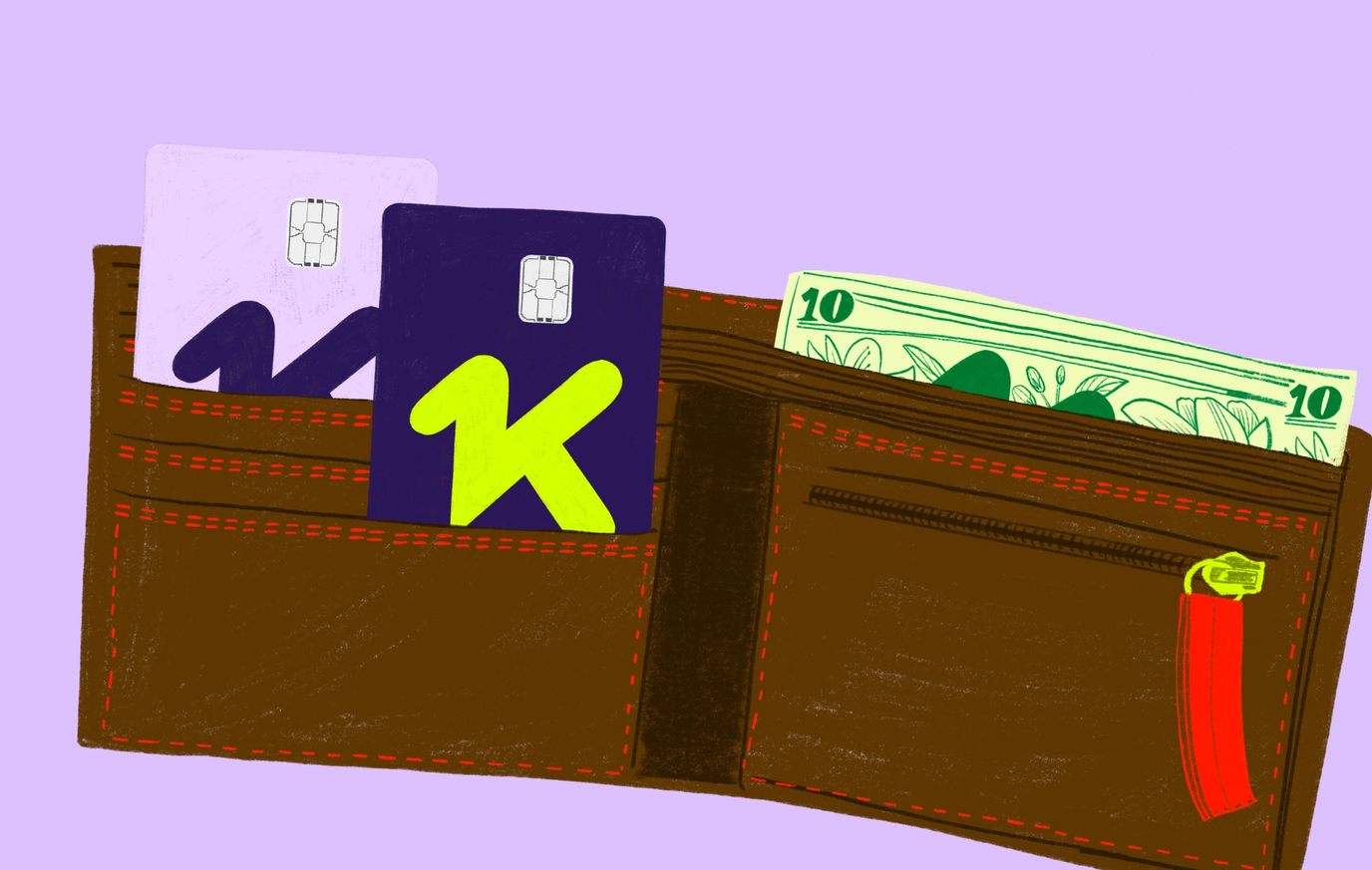
Instant Approval, Secure, Convenient
When you open a KOHO account, you receive a virtual prepaid Mastercard that you can begin using after adding money to your account. There is no credit check, and you do not need to wait for a physical card to arrive.
You can use the virtual card for online and in-app purchases wherever Mastercard is accepted. You can also add it to Apple Pay, Google Pay or Samsung Pay for contactless purchases in stores.
KOHO Virtual Card: Best Pick
With the KOHO Virtual Card, you can:
- Open an account and get your card instantly
- Earn 3.5% interest on your entire balance
- Earn up to 6.5% cash back on select merchants
- Lock and unlock your card instantly in the app
What Is a Virtual Card?
A virtual card is a payment card that exists digitally rather than only as a physical piece of plastic.
It generally provides the same basic payment details:
- A card number
- An expiry date
- A CVV or security code
- A name and billing address
You can access these details through the provider’s app or website and enter them when making purchases online. An eligible virtual card can also be added to a mobile wallet for contactless payments.
Is a Virtual Card the Same as a Credit Card?
Not necessarily.
“Virtual card” describes the card’s digital format, not where the money comes from. A virtual card can be connected to a:
- Prepaid account
- Bank account
- Credit card
- Secured credit card
- Business spending account
- Multi-currency account
KOHO’s standard virtual card is a prepaid Mastercard. You spend money that has already been added to your KOHO account rather than borrowing from a traditional credit limit.
This means regular purchases made with the virtual prepaid card do not create credit card debt or interest charges.
Virtual Card vs. Physical Card
A virtual and physical card can often be used for many of the same purchases, but each format has different advantages.
Virtual Card
A virtual card is generally best for:
- Online purchases
- App-based purchases
- Digital subscriptions
- Mobile-wallet payments
- Immediate access before a physical card arrives
- Keeping physical card details away from online merchants
Physical Card
A physical card is generally better for:
- ATM withdrawals
- Terminals without contactless payment
- Merchants that require insertion or swiping
- Hotels and rental companies that request the card
- Purchases when your phone is unavailable
KOHO’s virtual and physical cards have separate card numbers but access the same available balance. That means you do not need to transfer money between the cards before using them.
Are Virtual Cards Safe?
Virtual cards can provide useful security controls, particularly when the virtual number differs from the physical card number.
Using a separate number for online purchases means you do not need to share your physical card details with every website. If the virtual number becomes compromised, you may be able to replace it without replacing the physical card.
KOHO allows members to lock and unlock their cards through the app. The physical and virtual cards also have independent Auto-Lock settings, so locking one does not automatically prevent the other from working.
No payment card can prevent every type of fraud. Protect your virtual card by:
- Using a strong and unique account password
- Securing your phone with a passcode or biometric login
- Avoiding purchases through suspicious links
- Reviewing transaction notifications
- Locking the card when you notice unfamiliar activity
- Never sharing verification codes
- Keeping your account information current
Contact the provider immediately when you notice a purchase you did not make.
Do Virtual Cards Build Credit?
A virtual card only builds credit when it is connected to a credit account whose activity is reported to a credit bureau.
Most prepaid cards do not build credit because you are spending money you already have rather than borrowing and repaying money. KOHO’s standard virtual prepaid Mastercard therefore does not build credit by itself.
KOHO offers Credit Building as a separate feature. Its Credit Building program provides a dedicated tradeline and reports payment activity to a credit bureau. You do not need to carry debt on the virtual prepaid card to participate.
Do not assume a virtual card builds credit simply because it operates on the Mastercard network.
Can You Use a Virtual Card in Stores?
Yes, provided the card can be added to a supported mobile wallet and the store accepts contactless payments.
KOHO’s virtual card can be added to:
- Apple Pay
- Google Pay
- Samsung Pay
You can then hold your phone or eligible device near the terminal to complete the transaction.
You may still need a physical card when a terminal does not accept contactless payments or when the merchant requires the card to be inserted.
Can You Use a Virtual Card Internationally?
A virtual card may be used for international online purchases when the merchant accepts its payment network.
When shopping through an international website, also consider:
- Currency conversion
- Foreign transaction fees
- Import duties
- Shipping charges
- Merchant refund policies
- Whether the price is shown in Canadian dollars
A website displaying Canadian dollars may still process the transaction outside Canada.
Are Virtual Cards Good for Subscriptions?
Virtual cards can be useful for subscriptions because you can enter their details online like a regular payment card.
They may be used for:
- Streaming platforms
- Cloud storage
- Software subscriptions
- Meal delivery services
- Memberships
- Mobile apps
- Recurring utility or phone payments
Using one card for subscriptions can make recurring charges easier to identify. However, replacing or locking the card may interrupt legitimate payments.
Review your subscriptions periodically and cancel services directly with the merchant. Locking or replacing a card does not necessarily cancel the underlying subscription agreement.
Can You Get a Virtual Card Without a Credit Check?
Yes. Some prepaid virtual cards do not require a credit check because the provider is not extending a traditional credit limit.
KOHO provides instant approval for its virtual prepaid Mastercard without a credit check. You must add money to the account before spending it.
A virtual credit card may still require a formal application and credit check. Always confirm whether the card is prepaid, debit or credit before registering.
How to Choose a Virtual Card Provider
Before opening an account, compare more than how quickly the card is issued.
Card Type
Determine whether the card is prepaid, debit or credit.
A prepaid virtual card can help control spending, while a virtual credit card allows you to borrow but may charge interest when you carry a balance.
Fees
Review any:
- Monthly account fee
- Annual card fee
- Foreign transaction fee
- Currency conversion cost
- ATM fee
- Inactivity fee
- Card replacement fee
KOHO offers different plans with different benefits and costs, so check the current plan terms before choosing one.
Mobile-Wallet Compatibility
Confirm whether the card works with your preferred mobile wallet and device.
A card that cannot be added to your wallet may be limited mainly to online and in-app purchases.
Security Controls
Look for features such as:
- Instant card locking
- Transaction notifications
- Easy card replacement
- Separate physical and virtual numbers
- Multi-factor authentication
- Spending controls
Acceptance
Check which payment network the card uses and where it is accepted.
KOHO’s virtual card operates through the Mastercard network, allowing it to be used at eligible online merchants and contactless stores that accept Mastercard.
Is KOHO the Right Virtual Card Provider for You?
KOHO is a strong virtual card provider for Canadians who want immediate access to a prepaid Mastercard without a credit check.
You can use the virtual card for online shopping, subscriptions, in-app purchases and contactless store payments. Its separate card number, in-app controls and ability to replace the card digitally provide additional control over how your payment information is used.
You need to add funds before spending, and regular card purchases do not build credit by themselves.

About the author
Quan works as a Junior SEO Specialist, helping websites grow through organic search. He loves the world of finance and investing. When he’s not working, he stays active at the gym, trains Muay Thai, plays soccer, and goes swimming.
Read more about this author