KOHO App: The smart way to spend, save, and borrow
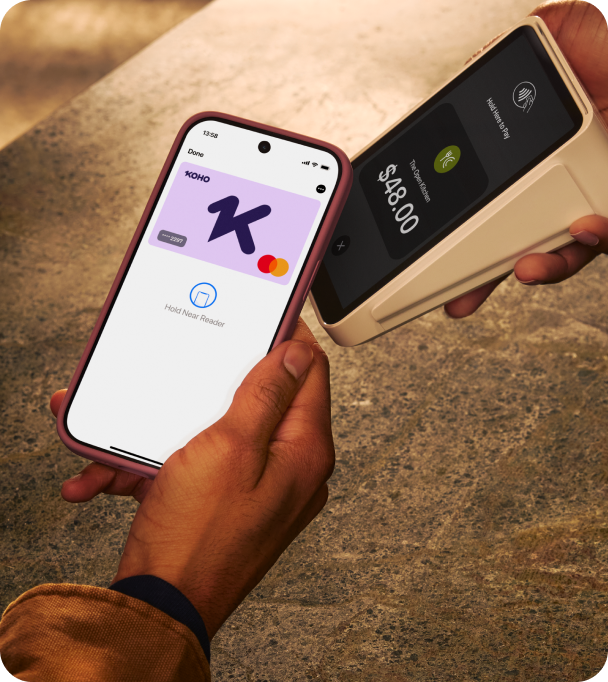
Handle everyday spending with a prepaid Mastercard®, earn Cash Back, grow savings with market-leading interest, build credit history, all in the KOHO app.



Turns out your money can multitask

Earn up to 3.5% interest on every dollar of your savings².

All KOHO plans put Cash Back in your pocket, with up to 2% on groceries, transit, and dining³.

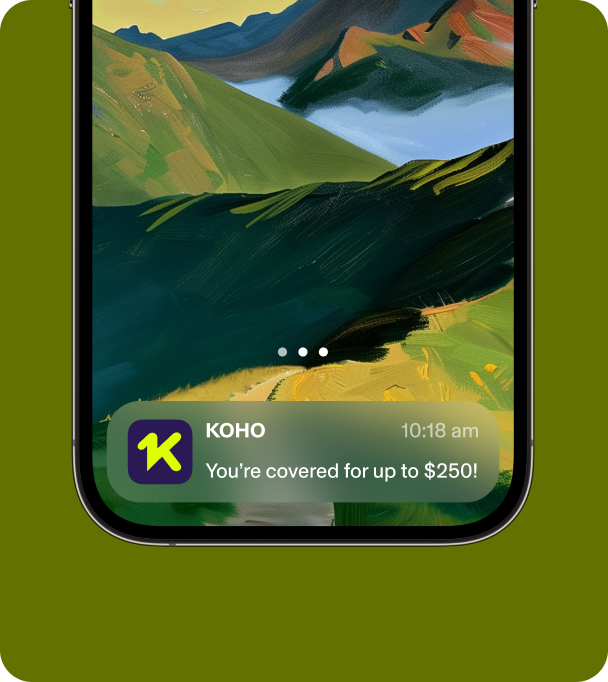
Get up to $250 interest-free right when you need it.

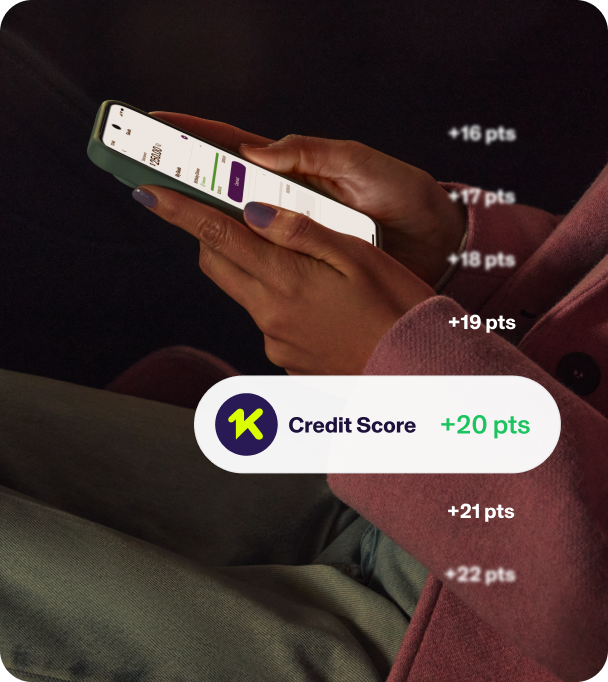
KOHO members see an average increase of +93 points using our interest-free Credit Building tools⁴.

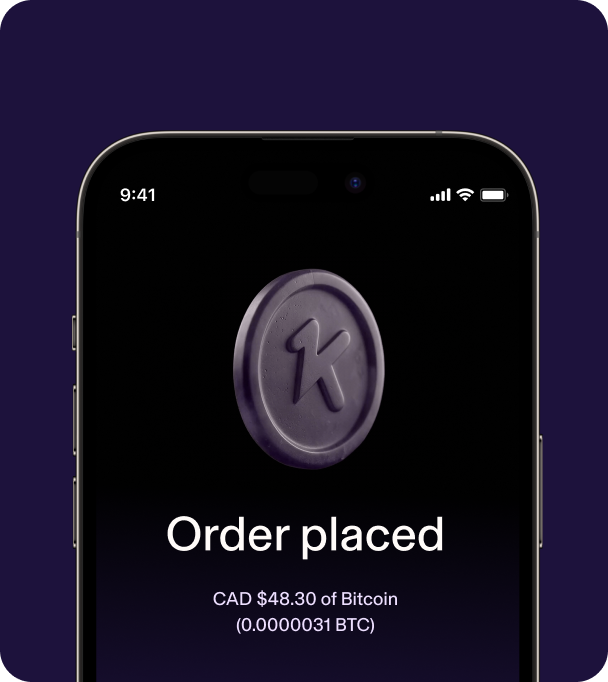
Buy and sell crypto directly from where your money already lives.
Less juggling. More handling.
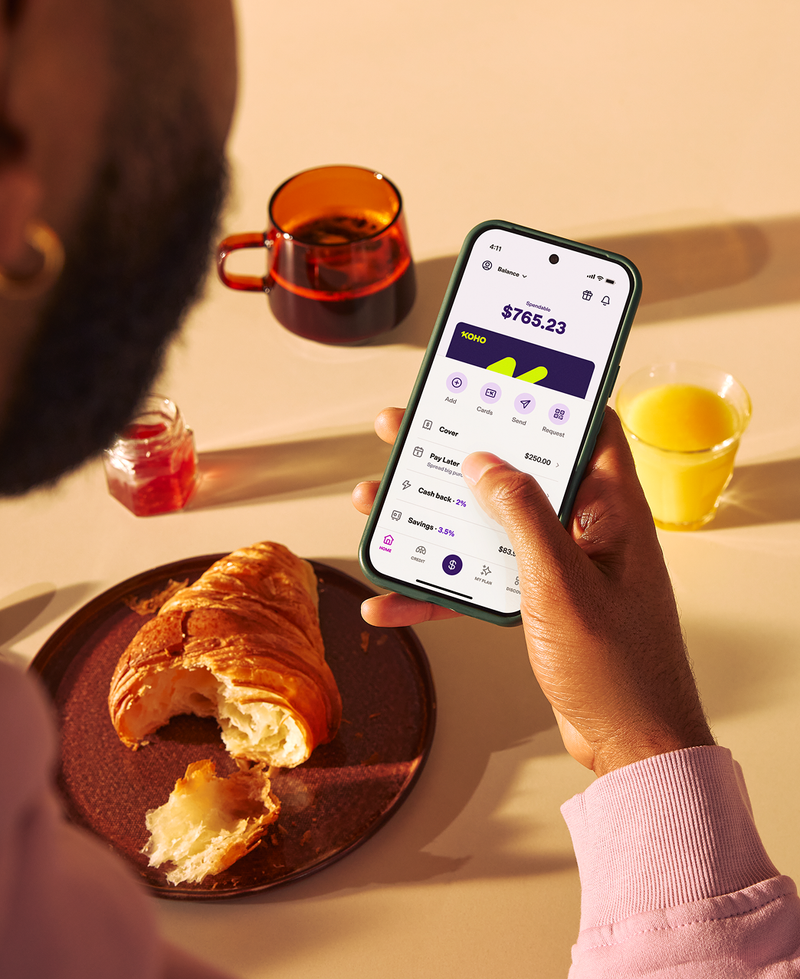
The KOHO app gives you a simple way to manage money without jumping between apps.

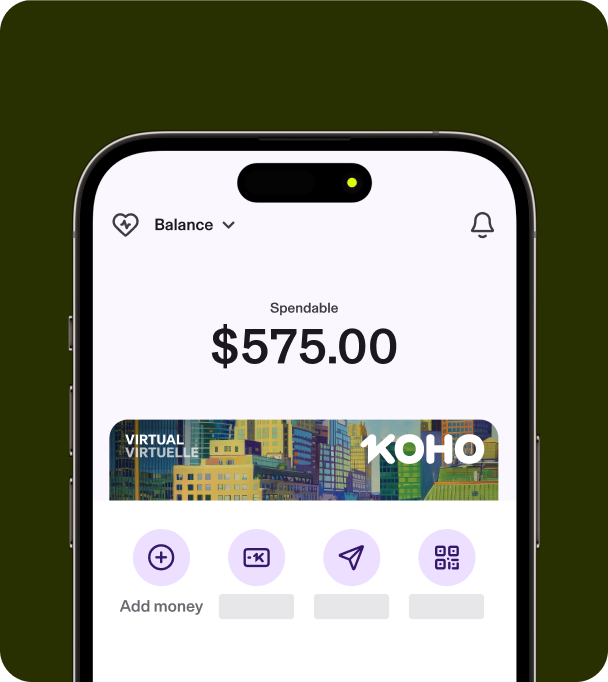
Watch your balance
Know how much you’ve got in a flash.

Track your spending
See where your money is going, then decide if it should still go there.

Add money easily
Put money in your account for spending or saving.

Protect your savings
Keep your savings separate from your spending account.

Real time alerts
Stay updated on your account activity.

Lock your card
Keep your card safe, even from your own spending habits.

Virtual card
Spend in-store and online instantly, plus pick your favourite card design.

Pay bills online
One place to cover all your expenses.
Pick the plan that works for you
All plans include a Physical and Virtual prepaid Mastercard, plus a 30-day free trial.
The perfect plan for your needs | Essential Over $100/year in value**$0/mo* | Extra Over $200/year in value**$12/mo | Everything Over $500/year in value**$14.75/mo |
|---|---|---|---|
Benefits | |||
| Unlimited Cash Back on groceries, transportation, food & drinks | 1% | 1.5% | 2% |
| Earn interest | 2% | 2.5% | 3.5% |
| Free Credit Score | |||
| Crypto trading fees | 0.5% | 0.5% | 0.5% |
| Instant e-Transfers | |||
| No Foreign Transaction Fees | - | ||
| Discount on Credit Building | - | 30% | 50% |
| Phone support |
*Get Essential for free! Learn more
**This is an estimate. Actual savings may vary depending on individual spending habits and service usage
Always on guard for your money
Good money habits start at home
Grow savings and build credit history in one app.

FAQs
KOHO is an everyday account + integrated app that gives you real-time insights into your spending and saving. By using the app you can watch where your money goes and spend without guessing. Plus, we have handy tools to build credit history, borrow, and more.
Signing up takes less than 5 minutes whether you choose to do it through the Web, App Store or Google Play.
Start spending right away with your Virtual card. Add it to Apple, Samsung, or Google Pay or use it for your online shopping.
You’ll get real-time insights on all your transactions and can use your KOHO account to send free e-Transfers, set-up Direct Deposit, pay bills, and set Savings Goals!
Questions? We happen to have the sweetest support team in all of finance, so feel free to reach out via our in-app chat.
While we are not (yet) a fully licensed bank, our prepaid Mastercard and app work in a similar way to an everyday spending or saving account. Plus, when you opt in to Earn Interest, up to $100,000 of your money is eligible for CDIC protection¹.
No. Your Physical (and Virtual) card is a prepaid card. That means you have to add money to your account before you can spend it. However, if you're asked whether you're paying with "debit or credit" at the checkout line, tell the cashier you're paying with credit. The same will apply when using an ATM to withdraw cash.
Good to know: since KOHO cards are prepaid cards, it's not possible to ask for cash back when you're making a purchase (ie. asking for $20 cash back when making a purchase at Walmart).
Yes! It all depends on which plan you’re on. You'll see the Cash Back in your "Home" tab once your purchase is marked as "settled" on your feed.
Want to know how much cash back you can earn? In-app, just tap Cash Back and look under My Cash Back Rate. For details on the rate, press the question mark button (?) next to the cash back rate for more information.
To earn extra Cash Back, you can shop with our partner merchants in the app which can earn up to 6.5% extra on top of your existing rate3.
Yes, with our Credit Building and Secured Credit Building tools.
Credit Building is designed to help you build or rebuild your credit history by reporting your payment activity to Equifax through a dedicated line of credit.
When you sign up, you'll receive a $225 line of credit that is reported to Equifax every month. A line of credit is a type of credit account that allows you to borrow and repay funds over time. With Credit Building, the goal isn't to borrow money—it's to help establish positive payment history and build your credit profile.
Secured Credit Building gives you the ability to build your credit history with your own money!
- Deposit $30-$500 into your account to create a secured line of credit
- Move the money to your Spendable (we suggest staying within 10% of your deposit)
- On your next billing date, we'll automatically move the money from your KOHO account back into your secured line of credit (just make sure the money is available in your Spendable) and report the payment to Equifax.
Yes, we do through the Cover bundle. Cover is a subscription bundle that gives you access to a no-interest cash advance when you need extra support, along with additional financial benefits. Think of Cover as an overdraft buffer and financial safety net. If your Spendable balance reaches $0, Cover can help prevent declined transactions by allowing eligible purchases to draw from your available Cover balance.
All Cover bundles include:
- Credit Score & Report
- Fast Lane Support
- Financial Coaching
- Higher Cover bundles may also include Partner Cashback and discounted Cyber Protection through CyberScout.
The specific benefits available depend on the Cover bundle you choose. Once you subscribe, your selected cash advance amount is immediately added to your available Cover balance.
Your Cover balance is displayed separately from your Spendable balance so you can clearly see how much of your available funds come from Cover.